
Asgardian Field Notes
The Unseen Bridge: Ubiquiti UniFi U6+ Review
A beautiful house with a brittle network is still unfinished. The Ubiquiti UniFi U6+ is the beam you do not see: a dual-band WiFi 6 access point that treats coverage as structure instead of hope. Place it on the ceiling, adopt it into the UniFi controller, and then do the one thing a network should do, which is nothing at all.
Coverage Drawn as a Map, Not a Hope
Most home routers broadcast from a corner of a shelf, behind a television, and then the far room gets whatever the signal decides to spare. The U6+ is built for the opposite approach: it mounts on the ceiling or high on a wall, where radio waves actually behave, and it covers the space from above instead of from behind the furniture.
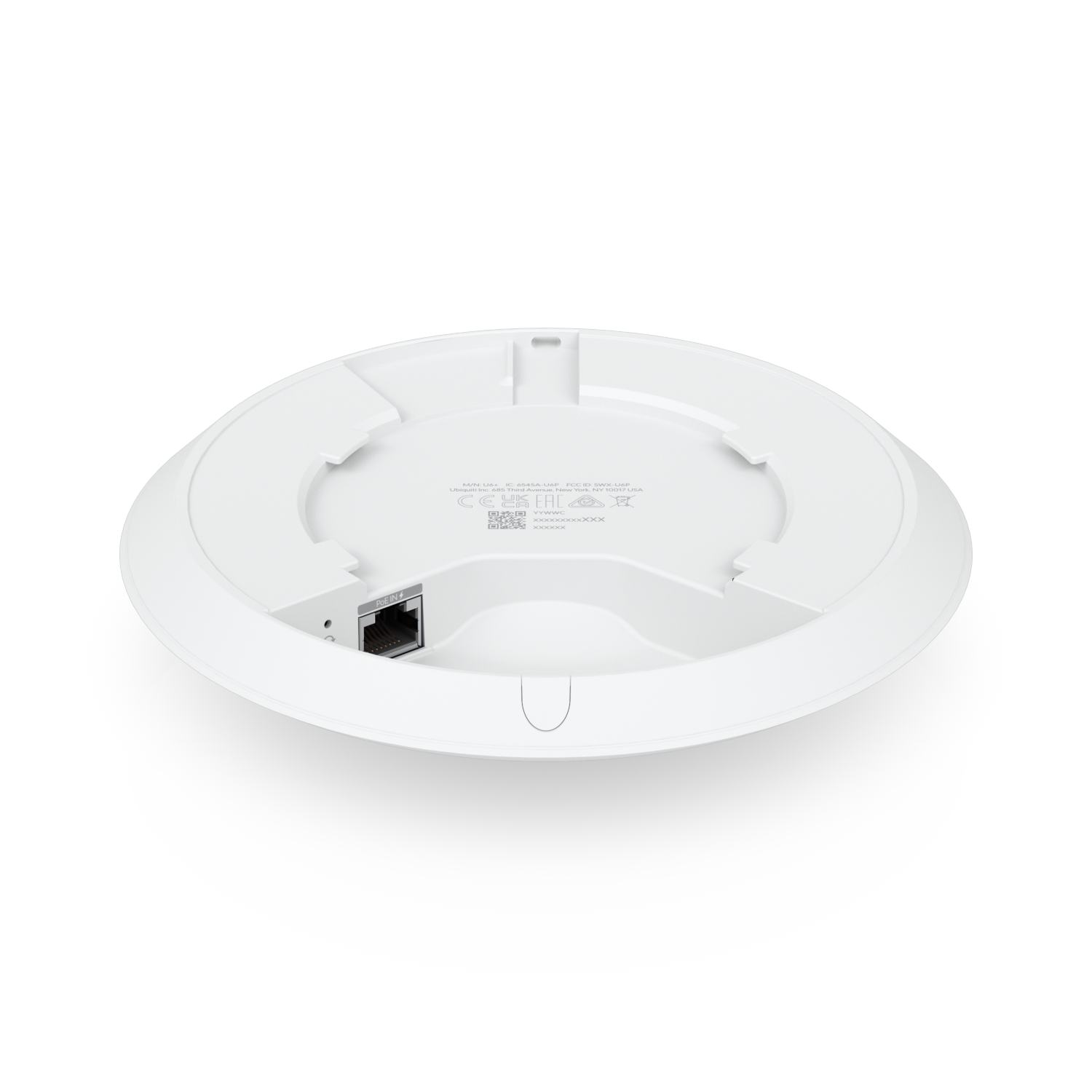
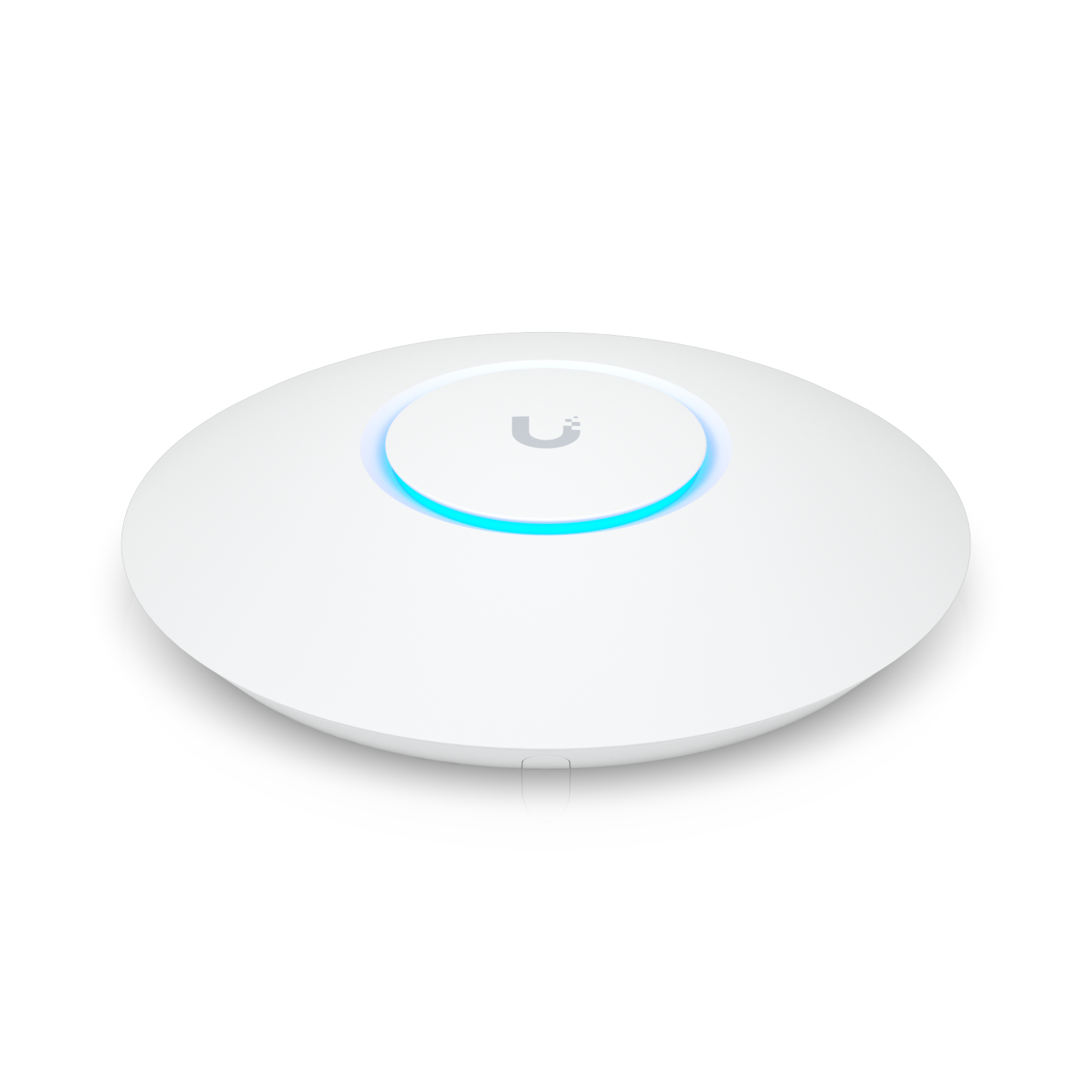
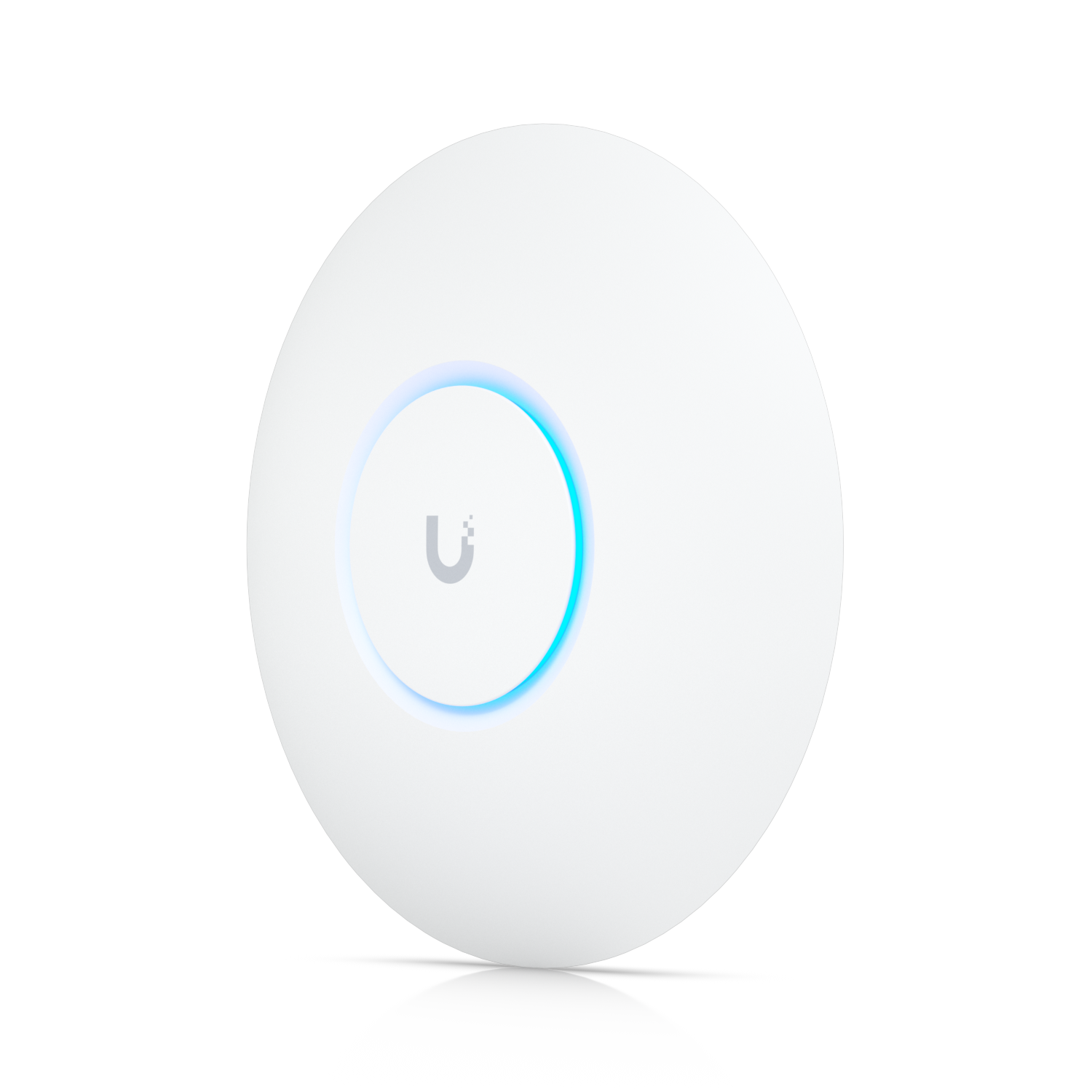
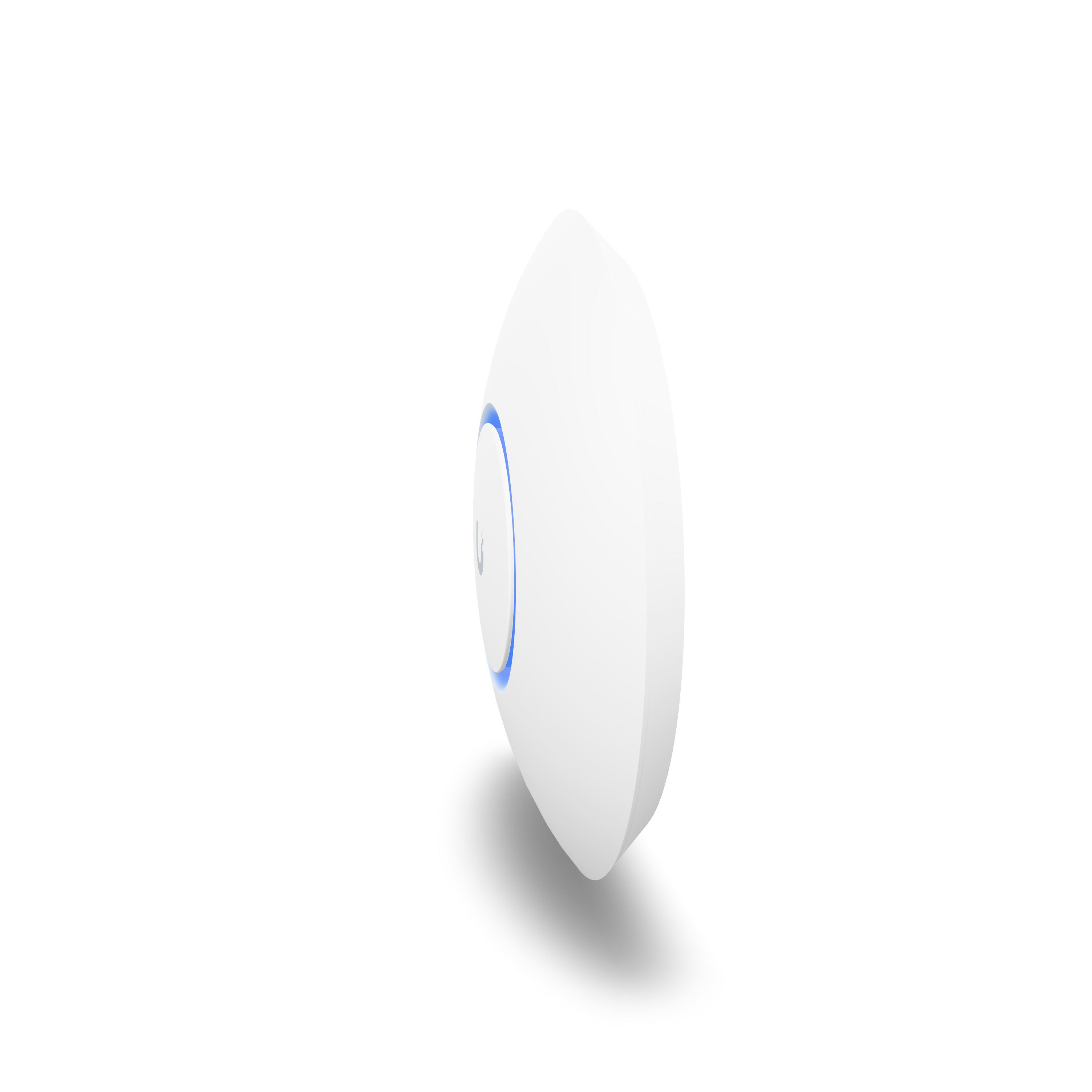
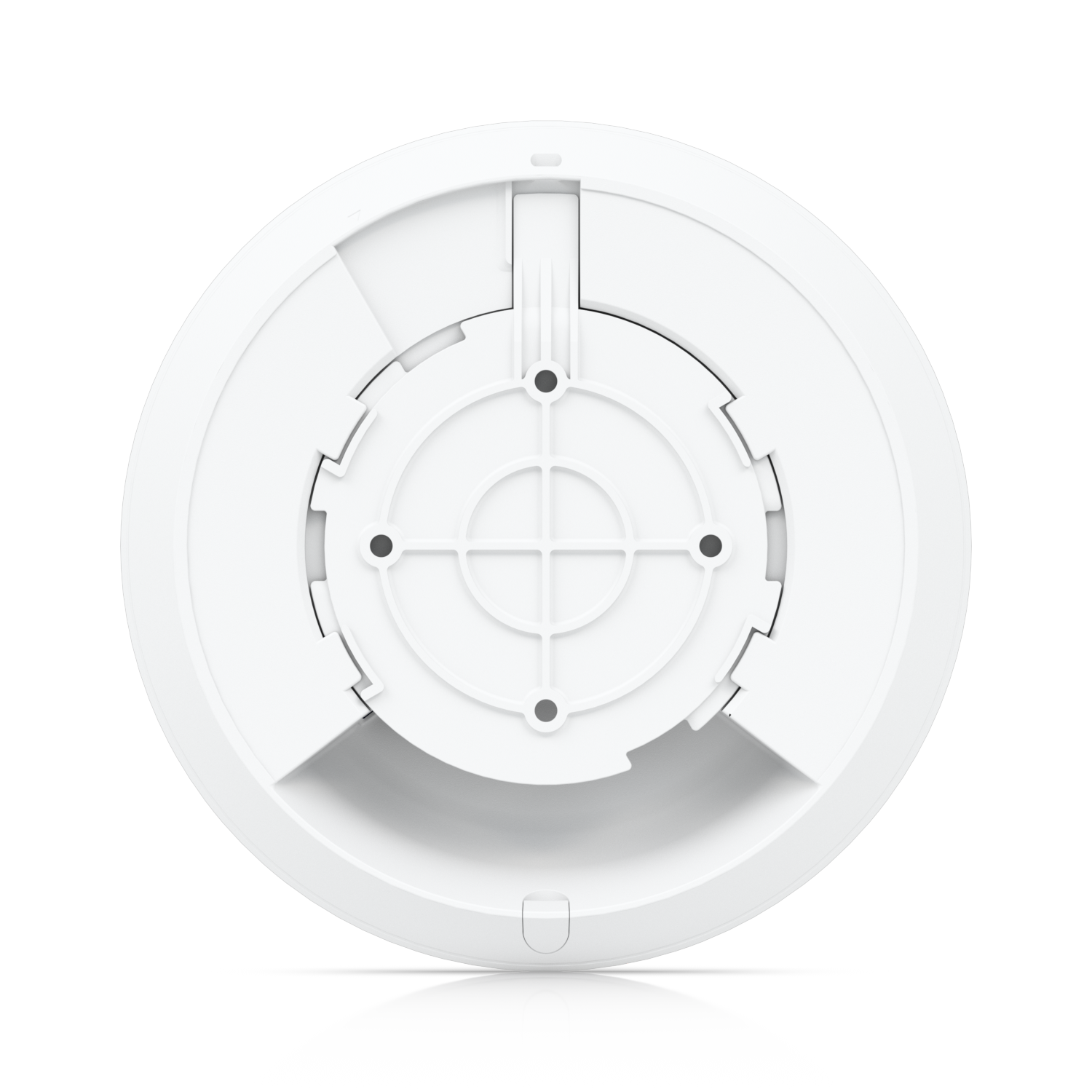
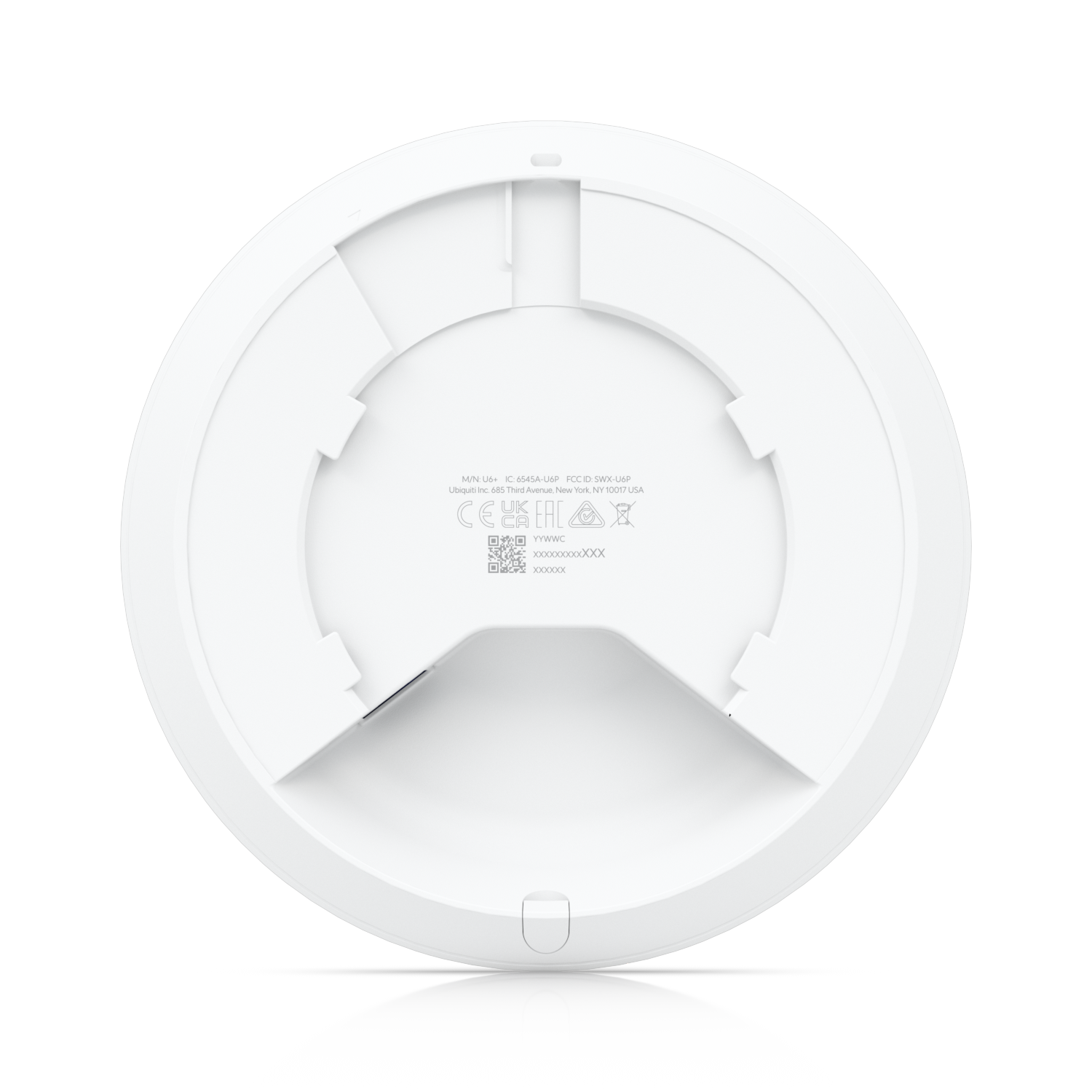
The unit is a compact disc of matte white hardware, 2x2 dual-band WiFi 6, with a single Gigabit Ethernet port and power over Ethernet. The PoE adapter is not included, which is the one honest complaint in this review, so budget for it or use a PoE switch. Once powered, it disappears into the ceiling line and stays there for years.
Named Hosts: Every Artifact, Accounted For
The UniFi controller gives every device on the network a name. Your lights are not a string of random MAC addresses, they are named hosts. Your locks, your speakers, your cameras, they all show up as themselves, and when something misbehaves you see exactly which host is misbehaving. For a house where the Bifrost carries lights, locks, and sound, that visibility is not a dashboard toy. It is the difference between managing a home and guessing at one.
The controller runs on a UniFi gateway, a cloud key, or software on a small machine. You configure the network once, set the band steering, and then the system holds. Boring is the compliment. If you are thinking about your access point, it is failing at its only job.
WiFi 6 Without the Show
WiFi 6 brings the practical gains that matter in a dense household: better handling of many devices at once, lower latency under load, and more reliable behavior when every room has a dozen things online. The U6+ does not wave those numbers at you, it just runs them. Devices roam between access points without dropping the call, and the far room finally behaves like the near room.
For a single access point covering a normal floor, the U6+ is genuinely enough. For larger homes, add a second unit and let the controller handle roaming. That is the UniFi architecture at its best: the system scales by addition, not by replacement.
The Honest Limitations
The U6+ needs the UniFi ecosystem to be itself. It is not a plug-and-play home router with a mobile app that holds your hand. If you want a box that does everything out of the carton, this is the wrong product. If you want infrastructure that behaves like infrastructure, it is the right one.
PoE power is required, the adapter is separate, and the ceiling mount is only as good as the installer. None of that is a flaw in the hardware. It is the price of a network that outlives its gadgets.
Who Should Buy It
Buy the UniFi U6+ if the house is full of smart devices and the router on the shelf is the weakest link. Buy it if you want every host named, every room covered, and a network you can forget for a decade. Skip it if you want consumer simplicity, and buy a mesh kit instead. Then live with the far room.
Frequently Asked Questions
Does the UniFi U6+ need a UniFi gateway?
It needs the UniFi controller software to be adopted and managed. That controller runs on a UniFi gateway, a Cloud Key, or software on a small machine. The access point itself only needs PoE power and a network connection.
Is the PoE adapter included?
No. The U6+ ships without a PoE adapter, so you will need one or a PoE switch to power it.
How many devices can the U6+ handle?
It is a 2x2 dual-band WiFi 6 access point, and for a normal household it handles dozens of connected devices comfortably, including the usual crowd of lights, locks, and speakers.
Can I add more access points later?
Yes. That is the point of the UniFi system. Additional U6+ units join the same controller, and clients roam between them without dropping.
The Ubiquiti UniFi U6+ lives in the Bifrost realm of the Asgard@Home vault. Check the current price through the tracked link. If you buy through it, we may earn a commission at no extra cost to you.




Central Artifact of this Saga
Ubiquiti UniFi U6+ - The Unseen Bridge
Crafted by Ubiquiti • $$
A beautiful house with a brittle network is still unfinished. This access point is the beam you do not see: coverage that does not drop in the far room, a name for every device, a spine for lights, locks, and sound. Place it high. Forget it. The bifrost is not a blinking shrine on a shelf. It is the assumption that the sanctuary is connected as a matter of architecture.